
How to join Bitcoin Wealth, step by step
Three stages, five steps, from an empty phone to slot 1. Take them one at a time, and watch the tutorial for each before you tap anything.
Before you start
What you need
- A smartphone with the SafePal app
- 0.001 BTC worth of BTCB, plus a little extra
- A little BNB for network fees
- A VALR or Binance account to buy with rand
- The sign-up link of the person who introduced you
On the recording day of Tutorial 1, Bitcoin was about $67,000, so 0.001 BTC was about $67. With fees and a little BNB, MTG suggested preparing about $76, about R1,300. Prices move every minute: check today's price in rand.
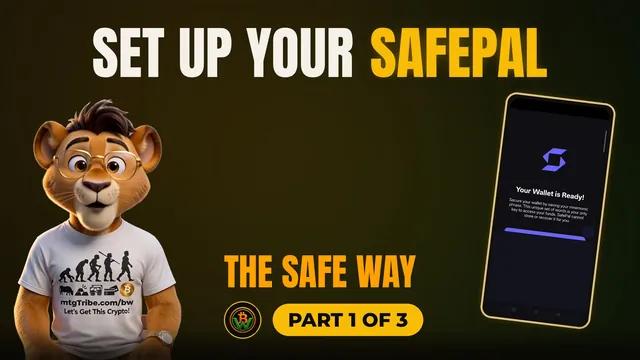
Tutorial 1, 7:25Watched
The five steps
Set up SafePal
Download SafePal from safepal.com, create a wallet, back it up two ways and keep only BNB, USDT and BTCB. Tutorial 1 shows every tap.
Open a VALR or Binance account
Both let you buy crypto with rand. Many members keep both, as a backup.
Buy BNB and send it to SafePal
Buy enough BNB for 0.001 BTC plus fees, then withdraw it to your SafePal BNB address on BNB Smart Chain (BEP20), and check the first and last characters of the address. Tutorial 2 shows every tap.
Swap BNB to BTCB in SafePal
Swap a little more than you need (type 0.0011 BTCB), and keep some BNB for network fees. Never empty your BNB. Tutorial 3 shows every tap.
Activate slot 1
Copy the sign-up link, paste it into SafePal's Explore tab, choose BNB Chain, check the referrer, then confirm twice in your wallet. Tutorial 3 shows every tap.
Fund your SafePal
Tutorial 2: Buy BNB on VALR and send it to SafePal
Steps 2 and 3, tap by tap. Send rand from your bank to VALR with your own reference, buy BNB with it, and send the BNB to your SafePal wallet on BNB Smart Chain.
- Pay by EFT from a bank account in your own name
- Type your VALR reference exactly as VALR shows it: it is how VALR knows the money is yours
- Buy BNB with your rand
- Withdraw to your SafePal BNB (BEP20) address on BNB Smart Chain, and check the first and last characters
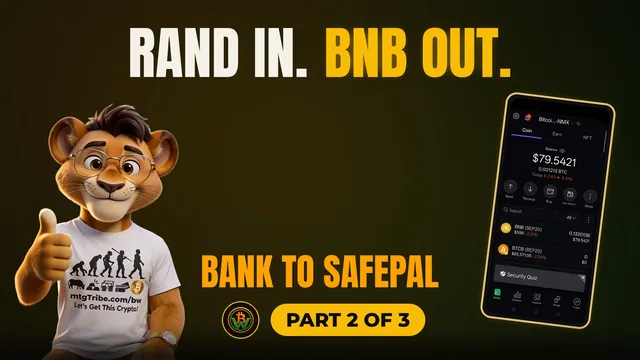
Tutorial 2, 5:57Watched
Swap, sign up, activate slot 1
Tutorial 3: Swap BNB for BTCB, sign up and activate slot 1
Steps 4 and 5, tap by tap. Swap BNB for BTCB in SafePal, sign up with the link of the person who invited you, activate slot 1 with two confirmations, and get back into your dashboard any time.
- Swap a little more than you need: type 0.0011 BTCB, so a little over 0.001 arrives
- Keep some BNB in your wallet for network fees
- On the registration page, check the referrer: it is the member ID of the person who invited you
- Your wallet asks twice: Approve, then Confirm again. Approve only the exact 0.001 BTC
The button copies MTG's sign-up link. Introduced by someone else? Use their link, so they stay your sponsor.
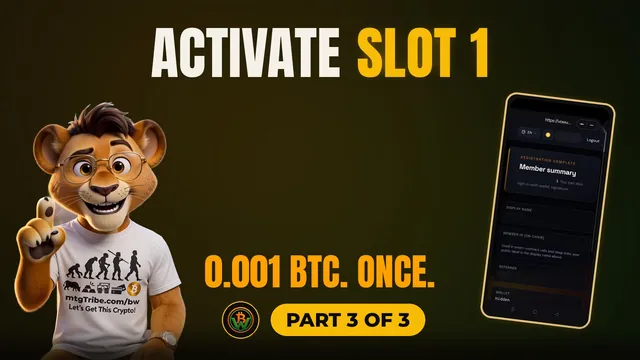
Tutorial 3, 6:10Watched
Ready, or still have a question?
The sign-up button copies MTG's link and opens nothing, so you can paste it into SafePal's browser. Questions? Ask in the MTG TRIBE, or send MTG a WhatsApp message or voice note.